Home Energy Storage for Office Backup: Keep the Lights On
Home Energy Storage for Office Backup: Keep the Lights On
A small office does not need a data-center-grade UPS to stop losing money during an outage — it needs a home energy storage system sized to the loads that actually matter. For a consultancy, clinic front desk, or retail shop, even a 30-minute blackout can mean lost sales, rebooted servers, and angry customers. An all-in-one battery with a built-in inverter sits behind the meter, charges from the grid or existing solar, and takes over seamlessly the instant power fails.

Which Loads to Back Up
Do not try to run the whole building. Put the essentials — the router and switch, the server or NAS, the POS terminal, the phone system, and a few lights — on a designated backup sub-panel. A modest 5–10 kWh battery then covers hours of those critical draws, which is far cheaper than a generator and silent in a shared workspace. Non-essential loads like the water heater and air conditioning stay on the main panel so the battery budget is spent only on revenue-protecting equipment.
Why an All-in-One Unit
For a tenant or small business, a pre-integrated home-energy-storage unit removes the hardest part of a backup project: matching an inverter, battery, and controller. It arrives certified, wall-mounts in a hallway or storeroom, and connects with standard AC wiring. Remote monitoring lets the office manager see state-of-charge and last discharge from a phone, and most units switch to battery in under 20 milliseconds — fast enough that computers never notice the transition and no reboot is required.
Backup Sizing Comparison
| Option | Coverage | Noise | Running cost |
|---|---|---|---|
| Home ESS (battery) | Critical loads, hours | Silent | Grid/solar rate |
| Standby generator | Whole building | Loud | Fuel + maintenance |
| Desktop UPS only | Minutes | Silent | Replacement batteries |
Deployment Tips
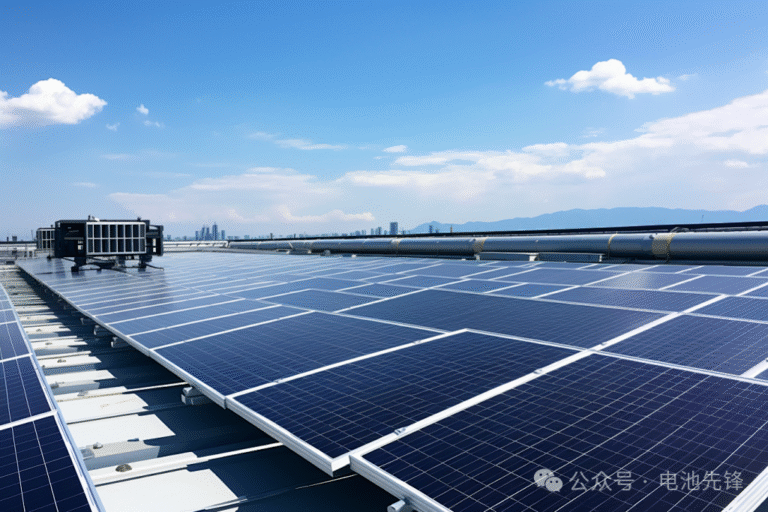
Size the battery to at least one full critical-load cycle plus a margin — most offices need 3–8 kWh of usable backup. If you already have rooftop solar, the same battery stores midday excess and rides through evening outages. Choose a unit with a certified inverter and a clear monitoring app, and have an electrician isolate the backup sub-panel so expansion later is simple. Test a monthly self-discharge so the first real outage is not the first real use, and keep the firmware updated for the latest switchover behavior.
Cost and Payback
A focused backup of 5–10 kWh typically costs a fraction of a whole-building generator and carries no recurring fuel bill. The payback comes from avoided downtime: a single lost sales afternoon or an overnight server rebuild often exceeds the battery’s price. For offices with demand charges or time-of-use tariffs, the same unit can also shave peaks and store solar, turning a pure insurance purchase into a daily saver that pays for itself faster.
People Also Ask
Will it power my whole office? Usually not the whole building, but it keeps servers, networking, POS, and lights running — which is what prevents the loss.
Can I add solar later? Yes — most all-in-one systems accept PV input, so you can start on grid charging and add panels when budget allows.
Choosing the Right Installer
Because the battery connects to your building’s wiring, use a licensed electrician to set up the backup sub-panel and confirm the unit’s certification for local code. Ask for the critical-load list in writing, verify the switchover time, and request a walkthrough of the monitoring app so staff can read state-of-charge at a glance. A good installer also documents which circuits are backed up, which prevents someone later plugging a kettle into the protected line and draining the buffer during an outage.
Written by Karl at China Battery Technology. Request a quote.